
Office organization ideas can help you create a cleaner, more comfortable, and more productive workspace. A crowded desk, tangled wires, overflowing files, or poorly placed furniture can make everyday work difficult. Fortunately, a few practical changes can help you organize your office without spending too much money.
1. Office Organization Ideas: Use Vertical Shelves Instead of Bulky Storage Cabinets
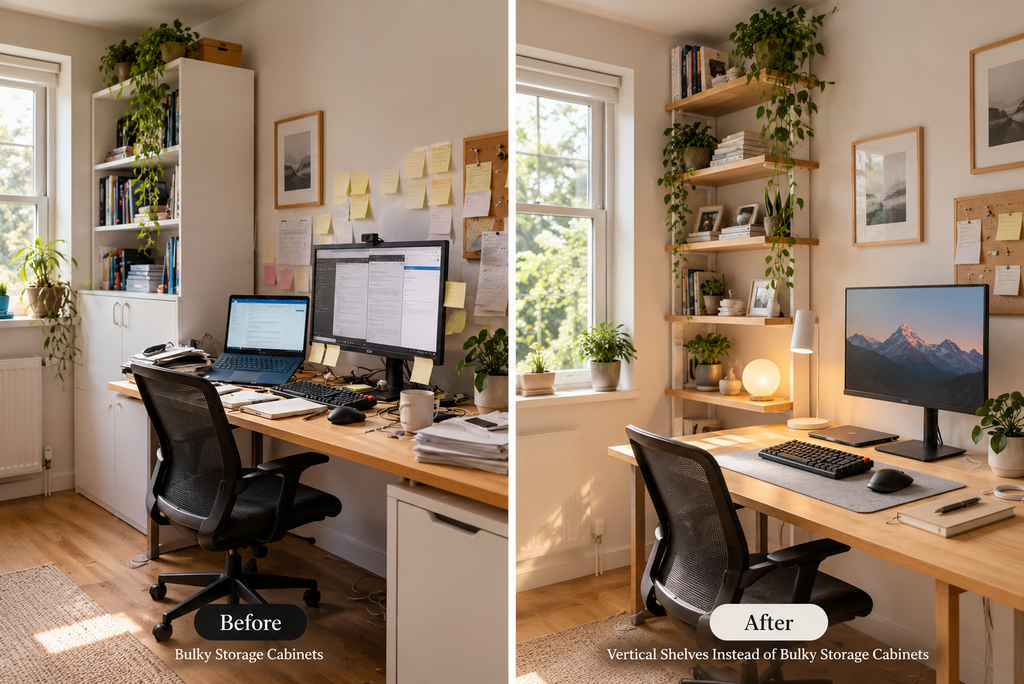
Use this: Wall-mounted shelves, narrow bookcases, or vertical storage units.
Storage is important, but choosing the wrong furniture can make a small office feel cramped. Vertical shelves use wall space and keep books, files, stationery, and storage boxes organized without taking up too much room.
Benefits: They free up floor space, make items easier to arrange, and can work well in compact offices or study rooms.
Possible disadvantage: Open shelves collect dust, and too many visible items can make the room look untidy.
Practical tip: Keep frequently used files at eye level and place less-used supplies on higher shelves. Before installing wall-mounted shelves, check the wall structure and use suitable fittings.
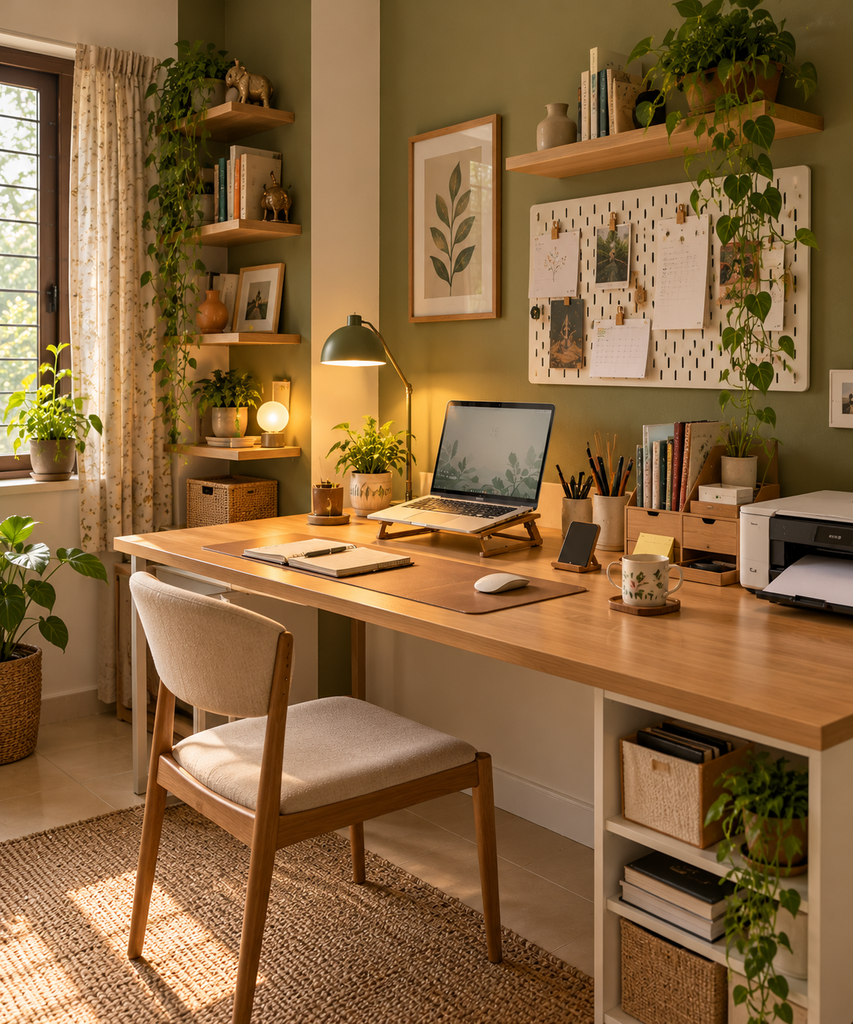
2. Office Organization Ideas: Use Desk Organizers to Reduce Clutter
Use this: A pen holder, small tray, drawer organizer, or laptop stand.
Not that: Keeping stationery, chargers, notebooks, and loose papers spread across the entire desk.
A desk becomes cluttered surprisingly quickly. One notebook stays open, a few pens are left near the laptop, and soon there is hardly any room to work. Simple desk organizers give everyday items a designated place.
Benefits: You can find supplies more easily, keep the work surface clear, and make better use of a small desk.
Possible disadvantage: Buying too many organizers can create more clutter and unnecessary expense.
Practical tip: Start by removing items you rarely use. Then choose only one or two organizers based on what remains. If you use a laptop daily, a stand may also help you position the screen more comfortably.
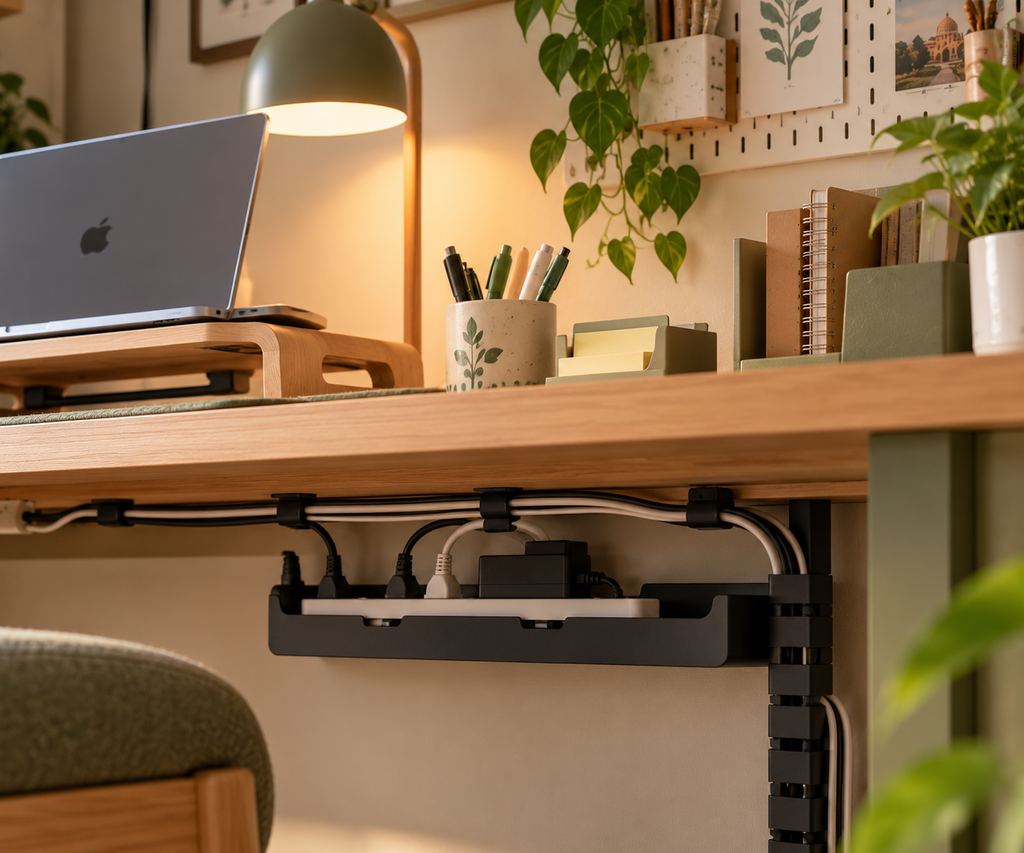
3. Use Cable Management Solutions Instead of Loose Wires
Use this: Cable clips, reusable cable ties, or an under-desk cable tray.
Not that: Allowing charging cables, extension cords, and computer wires to tangle around your feet.
Loose cables can make a workspace look messy and may create tripping hazards. They also make cleaning more difficult, especially when a desk has several devices connected to power.
Benefits: Cable management creates a neater appearance, makes cleaning easier, and helps keep wires arranged.
Possible disadvantage: Some cable trays and accessories require installation, and poor-quality clips may not hold securely.
Practical tip: Group cables by device and label chargers if several people share the office. Keep electrical connections accessible, avoid overloading extension boards, and never hide damaged wires beneath furniture.
4. Use Task Lighting Instead of Relying Only on Ceiling Lights
Use this: An adjustable desk lamp combined with suitable room lighting.
Not that: Depending entirely on a ceiling light when reading, writing, or working on detailed tasks.
A room may appear bright but still leave your desk poorly lit. A desk lamp lets you direct light towards your notebook, keyboard, or other work area. This can be especially useful during evening study sessions or in offices with limited natural light.
Benefits: Task lighting gives you more control over your immediate work area and can make reading and writing more comfortable.
Possible disadvantage: A lamp takes up some desk space, and poorly positioned light may create glare on a screen.
Practical tip: Choose a lamp with adjustable direction and position it to reduce shadows and screen reflections. For more workstation guidance, see the OSHA Computer Workstations eTool.

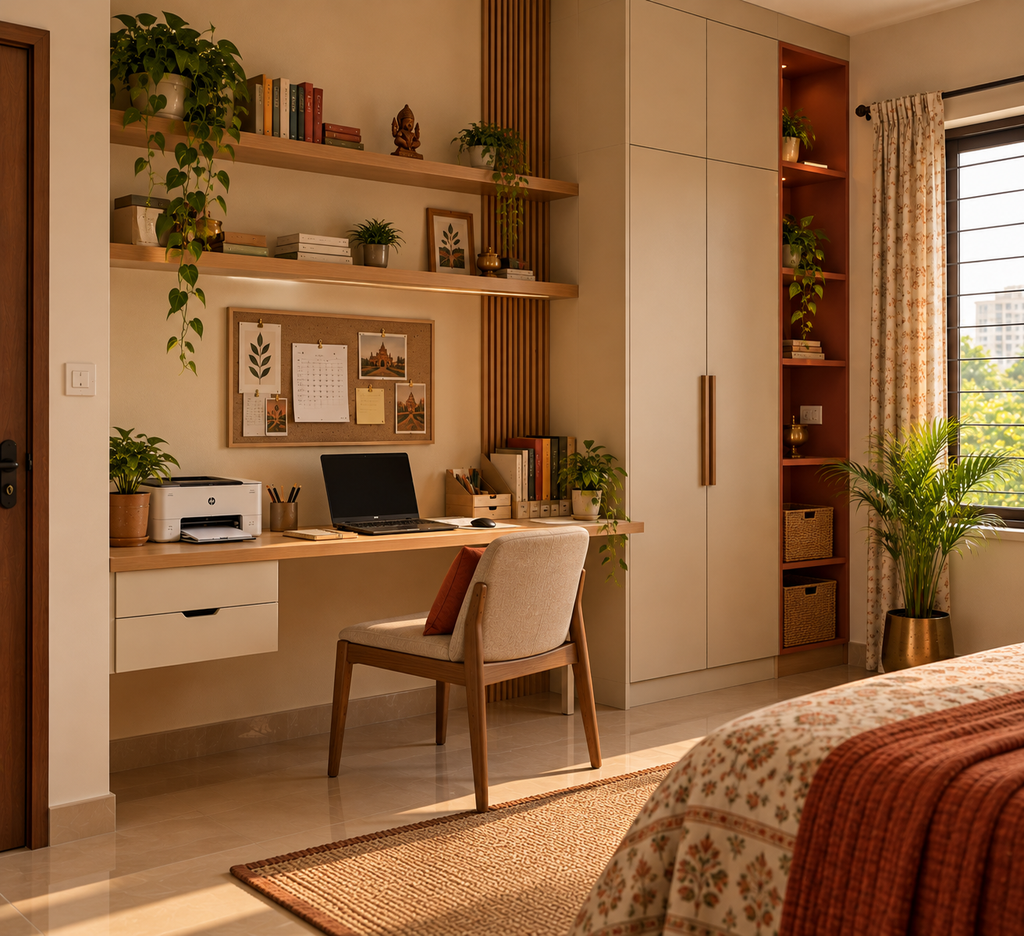
5. Choose Space-Saving Furniture Instead of Furniture That Only Looks Good
Use this: Furniture that fits the room, provides useful storage, and supports your daily work.
Not that: Oversized desks or decorative chairs that leave little room to move.
A large desk may look impressive in a showroom, but it can be inconvenient in a small office. Before buying furniture, consider the room’s dimensions, walking space, storage needs, and the equipment you use every day.
Benefits: Suitable furniture improves movement around the room and helps you use the available area efficiently.
Possible disadvantage: Compact furniture may offer less storage, so you need to prioritize essentials.
Practical tip: Measure the room before shopping. Leave enough space to pull out chairs, open drawers, and move safely. Avoid sacrificing basic comfort just to fit more furniture into the room.
6. Use Digital Files Alongside Essential Paper Records
Use this: Clearly named digital folders for documents that can be stored electronically.
Not that: Printing every document or keeping multiple unnecessary paper copies.
Paper files can quickly fill drawers and cabinets. Digital storage can reduce physical clutter and make documents easier to locate, especially in shared offices where several people need access to the same information.
Benefits: It can save storage space, reduce unnecessary printing, and simplify document retrieval.
Possible disadvantage: Digital files need proper organization, backups, and suitable access controls. Some original documents must still be retained in physical form.
Practical tip: Create folders by project, department, or month, and use consistent file names. Back up important files and follow your organization’s rules for confidential records and document retention.
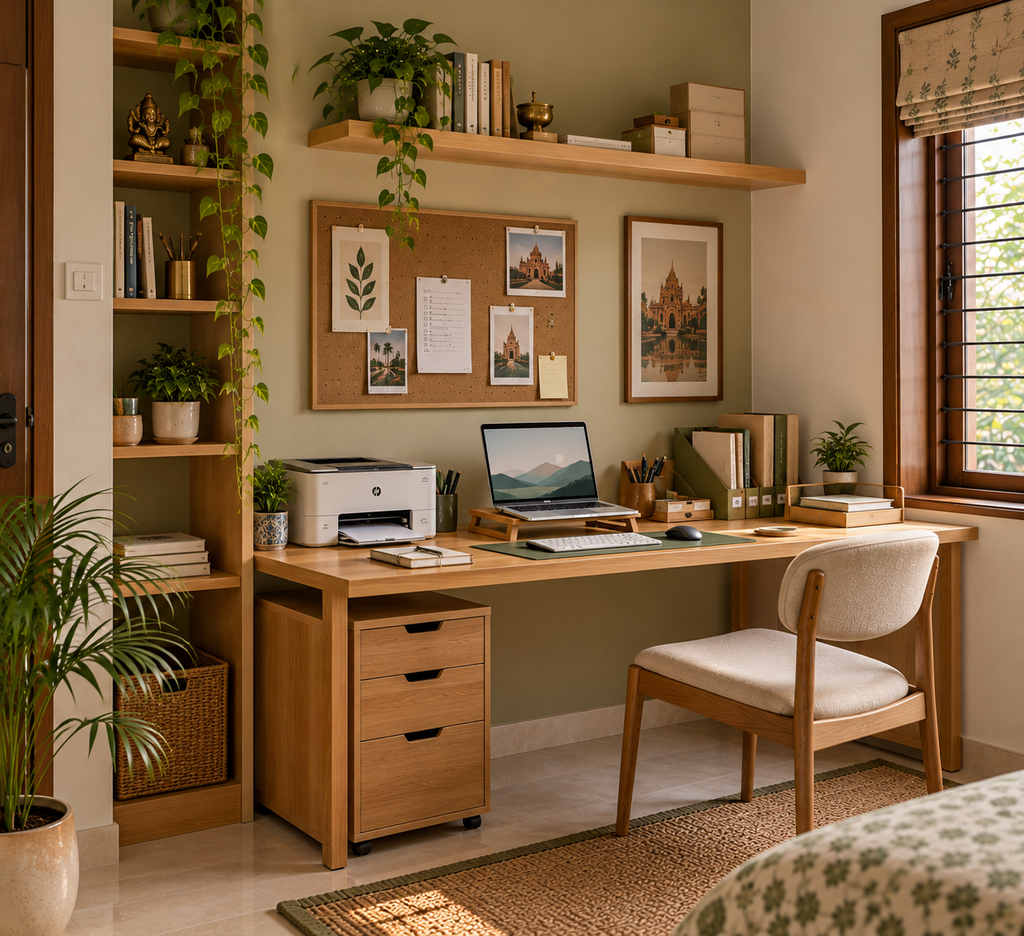
7. Create Separate Work Zones Instead of Mixing Every Activity Together
Use this: Clearly defined areas for focused work, meetings, supplies, and breaks wherever space allows.
Not that: Using the same crowded surface for paperwork, meals, equipment, and every other activity.
In a small office, separate rooms may not be possible. However, you can still create simple zones. Keep your main desk for focused tasks, store shared stationery in one place, and designate a shelf or cabinet for documents.
Benefits: Defined zones make it easier to return items to their proper places and reduce interruptions caused by searching for supplies.
Possible disadvantage: Dividing a very small room into too many zones can make it feel crowded.
Practical tip: Start with just two priorities: a clear work surface and one organized storage area. Add more zones only if your space and daily routine genuinely require them.

How to Choose the Right Office Organization Ideas
Not every solution works for every office. A home office used by one person has different needs from a shared office used by several employees.
Before making changes, ask yourself three questions:
- What creates the most clutter? Identify whether the main problem is paperwork, cables, stationery, or oversized furniture.
- What do I use every day? Keep essential items nearby and store occasional-use supplies elsewhere.
- What can I improve without spending much? Rearranging furniture, labelling files, and clearing unused items may be enough to start.
If you are organizing a particularly small room, read our guide on . It can help you explore additional ways to improve storage and layout.“small office organization ideas for making the most of limited space”
Conclusion
A better workspace does not require a complete makeover. Simple changes such as using vertical shelves, clearing your desk, managing cables, and choosing suitable furniture can make an office easier to use and maintain.
Start with the one problem that affects your daily work the most. Make that change, see how it works, and then move on to the next. The best office organization ideas are not necessarily the most expensive ones; they are the ones that suit your space, routine, and budget.